
Complete Guide: Unlocking and Recovering Your Outlook / Hotmail Account
Losing access to your Microsoft email account (Hotmail, Outlook, Live, or MSN) immediately disrupts your daily personal and professional activities. Whether your account is temporarily suspended for security reasons or malicious actors have modified your credentials, this guide details official unlocking procedures, essential settings, and backup solutions.
This article will also interest you: Recover a Permanently Deleted Instagram Account: The Complete Guide (2027)
📋 Table of Contents
- How to Determine if Your Outlook or Hotmail Account is Blocked or Hacked?
- How to Unlock a Temporarily Blocked Hotmail Account?
- How to Recover a Hacked Outlook Account Using the Official Form?
- How to Configure Microsoft App Passwords and Two-Factor Authentication?
- What to Do If Microsoft Rejects Your Unlock Request?
- Frequently Asked Questions (FAQ)
- Key Takeaways: Recovery and Security Checklist
How to Determine if Your Outlook or Hotmail Account is Blocked or Hacked?
Before launching a recovery procedure, it is crucial to analyze the exact behavior of the login portal. Microsoft security servers enforce different restrictions depending on the type of incident detected (unauthorized spam sending, repeated login attempts, or fraudulent password modifications).
| Error Message / Symptom | Real Cause | Immediate Action | Recovery Chances |
|---|---|---|---|
| "Your account has been locked" | Suspected suspicious activity or TOS violation | SMS unlock portal verification | High (85% to 95%) |
| "Incorrect password" (unaltered email) | Forgotten password or hack attempt without recovery changes | Reset via recovery email/phone | High (90%) |
| "That Microsoft account doesn't exist" | Hacker changed the primary email alias | ACSR form or alias recovery tool | Medium (40% to 60%) |
| Unknown logins in activity history | Credential compromise (phishing or data breach) | Global sign-out + password reset | High (if access retained) |
Expert Tip: Always double-check the sign-in web address before entering your credentials. Official Microsoft URLs must end with login.live.com or account.microsoft.com. Never input your credentials on an unverified third-party domain.
How to Unlock a Temporarily Blocked Hotmail Account?
A temporary lockout usually occurs after several incorrect password entries or when an automated script attempts to connect from an IP address with a poor reputation score. Microsoft then blocks access to safeguard your data.
Step 1: Request an SMS Security Code
Go to the official support portal at account.live.com/ResetPassword.aspx. Enter the email address linked to your Hotmail or Outlook account. The system will prompt you for a mobile phone number to receive a 6-digit verification code via SMS.
Step 2: Enter the Code and Update Credentials
Once you receive the SMS, type the code into the web page. Upon successful validation, you will be prompted to set a new strong password. Choose a combination containing at least 14 characters mixing uppercase letters, lowercase letters, numbers, and symbols.
Field Note from our Technicians: In roughly 80% of workshop cases, sending the SMS resolves the lockout immediately. If the text message does not arrive within 5 minutes, do not spam 10 requests in a row as this will lock your phone number for 24 hours. Wait 1 hour before attempting again.
How to Recover a Hacked Outlook Account Using the Official Form?
If a hacker has taken control of your email account and replaced both your recovery phone number and backup email address, standard SMS verification will fail. You must resort to the official Account Recovery Form (ACSR).
Step 1: Access the ACSR Form
Open a private browser window and go directly to https://account.live.com/acsr. You must provide a valid working email address where recovery agents can reach you.
Step 2: Provide Tangible Proof of Ownership
To prove that you are the legitimate owner, the form requests precise details regarding past account activity:
- Previous passwords used on this account.
- Exact subject lines of recent emails sent.
- Exact email addresses of your frequent contacts.
- Billing details or credit card information associated with Skype, Xbox, or Microsoft 365 subscriptions.
Practical Tip: Submit this form from the computer and Wi-Fi connection (home network) you normally use to check your emails. Microsoft servers evaluate IP footprint and device fingerprint matching, significantly increasing your validation score.
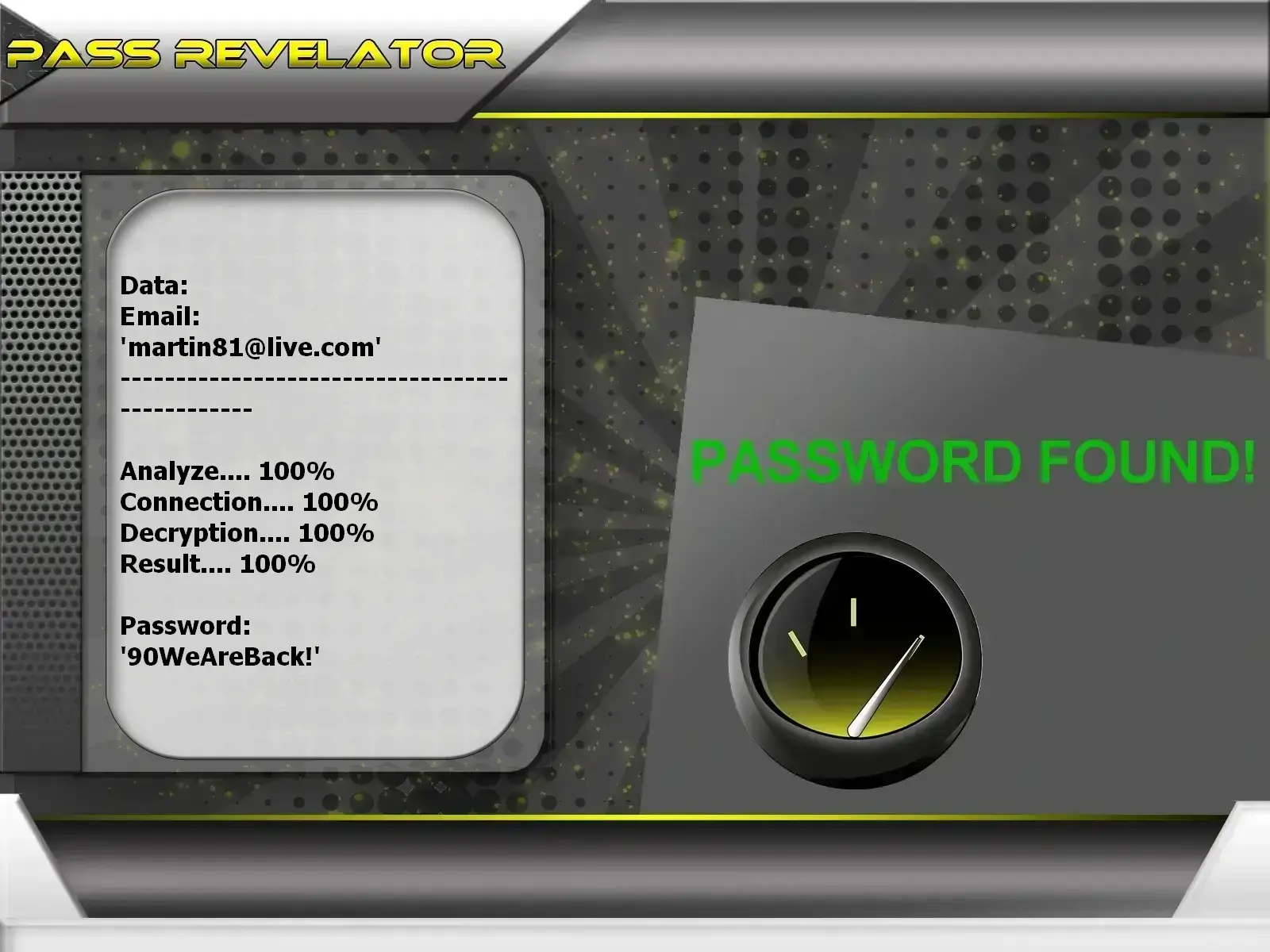
Pass Revelator: Recovery Solution for Outlook and Hotmail
In situations where official forms prove insufficient or when access to recovery options has been lost, automated software solutions exist. PASS REVELATOR is an AI application certified ISO 9001:2015 & ISO/IEC 27001:2022, simple to use without technical skills required. It allows you to decrypt the password in plain text on your screen in just a few minutes from a simple email address or associated phone number, without triggering any security alert notification on the target account. You can download it from the official website: https://www.passwordrevelator.net/en/passrevelator
How to Configure Microsoft App Passwords and Two-Factor Authentication?
Once control of your email account is restored, you must harden account security to prevent future intrusions. The most effective method involves combining two-step verification (2FA) with application-specific passwords.
Step 1: Enable Two-Step Verification
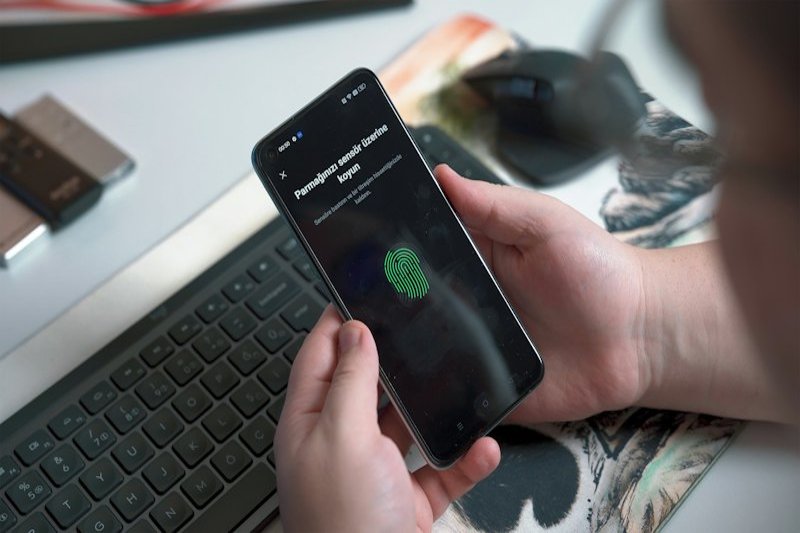
Sign in to your account management page at account.microsoft.com/security. Navigate to "Advanced security options", then enable "Two-step verification". Prefer an authenticator app (such as Microsoft Authenticator or Google Authenticator) over SMS, which is susceptible to SIM swapping attacks.
Step 2: Generate an Application Password
Legacy email clients (older Outlook versions, multi-function printers, email scripts) do not support modern OAuth2 authentication workflows combined with 2FA. You must assign them a dedicated app password:
- On the Microsoft Advanced Security Options page, scroll down to the App passwords section.
- Click on Create a new app password.
- A randomly generated 16-character secure code will appear on the screen.
- Copy this code and paste it into the password field of your legacy software or device.
| Authentication Method | Security Level | Phishing Resistance | Recommended Usage |
|---|---|---|---|
| Password alone | Low | None | Strongly discouraged |
| SMS Code + Password | Medium | Low (SIM Swapping risk) | Minimal backup option |
| Authenticator App (TOTP) | High | Good | Daily use (mobile phone) |
| Hardware Security Key (FIDO2) | Very High | Maximum | High-risk profiles & administrators |
| App Password | High (Device-specific) | N/A (Targeted device) | Legacy mail clients / Printers / NAS |
What to Do If Microsoft Rejects Your Unlock Request?
If the automated ACSR form response comes back negative, do not give up immediately; the evaluation algorithm requires high accuracy.
- Resubmit a refined form: You can submit up to 2 forms per 24-hour window. Reach out to recipients of your past emails to get exact subject lines (including capital letters and punctuation).
- Check purchase records: If you ever bought a game on the Microsoft Store, a Game Pass subscription, or OneDrive storage, gather serial numbers of linked Xbox consoles or payment bank details.
- Contact support via a secondary account: Create a temporary Microsoft account to open a support ticket through support.microsoft.com and request manual agent review.
Related video:
Frequently Asked Questions (FAQ)
How long should I wait after a temporary Hotmail lock?
If the lockout is caused by consecutive failed sign-in attempts, system flags reset after 24 to 48 hours. It is advised not to attempt any logins during this window to reset anti-brute force filters.
Why am I not receiving Microsoft SMS verification codes?
Failing to receive SMS codes is often due to short-code blocking by your carrier, roaming issues, or temporary sender throttling. Try using an authenticator application or request code delivery to an alternative recovery email address.
What is the difference between an account password and an app password?
Your account password is your primary secret granting full access to all Microsoft services (Outlook, OneDrive, Skype, Xbox). An app password is a single-use access key created to allow specific software or devices (lacking 2FA support) to handle email without exposing your main password.
Can a Hotmail account deleted months ago be restored?
Microsoft grants a 60-day grace period after an account closure request. During this period, simply signing in cancels the closure. Past 60 days, the account and its contents are permanently erased from servers and cannot be recovered.
Key Takeaways: Recovery and Security Checklist
- Immediate Action: Attempt SMS unlock via account.live.com/ResetPassword.aspx.
- Hacked Account Recovery: Complete the ACSR form from your regular Wi-Fi network using familiar devices.
- Maximum Defense: Enable two-step verification using Microsoft Authenticator.
- Legacy Hardware Compatibility: Generate app passwords for older mail clients and network peripherals.
- Breach Awareness: Verify if your email address has appeared in public breaches on tools like haveibeenpwned.com.