
Forgot your Windows password? Don't panic, you can regain control in less than a minute.
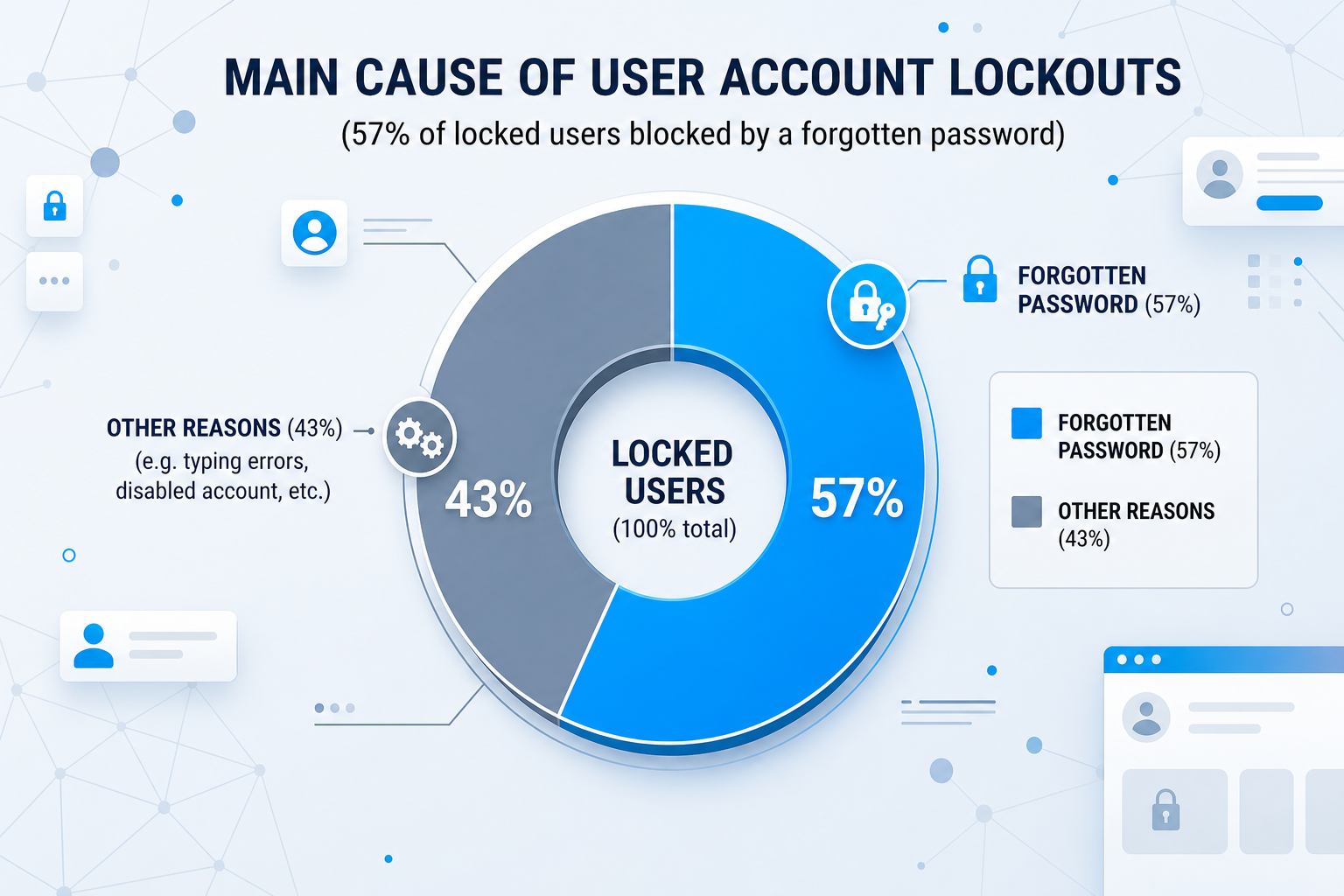
We've all been there: you turn on your PC, and then, mental block. Your password, the one you've typed hundreds of times, has mysteriously vanished from your memory. Don't blame yourself, it's more common than you think. But contrary to what you often read on the web, reinstalling Windows is a last resort, long, tedious, and above all, means losing your data. With Pass Revelator Windows, forget the lengthy tutorials. You'll regain access to your PC in less than sixty seconds, without touching your files.
Why "free" methods no longer work (and waste your time)
You've probably already searched for a solution online and come across articles promising a simple trick with "Utilman.exe" or the command prompt. Behind these catchy titles is actually a technical method, reserved for experts, requiring you to type command lines, navigate the BIOS, and cross your fingers not to make a mistake. And at the slightest misstep, it's a total dead end.
Today, recent versions of Windows have locked these security flaws or made them so complex that they become inaccessible. It's no longer worth the trouble. The good news is that there is now an alternative designed for real people, not technicians: a USB key that does all the work for you, fully automated.
How Pass Revelator Windows turns a computer drama into child's play
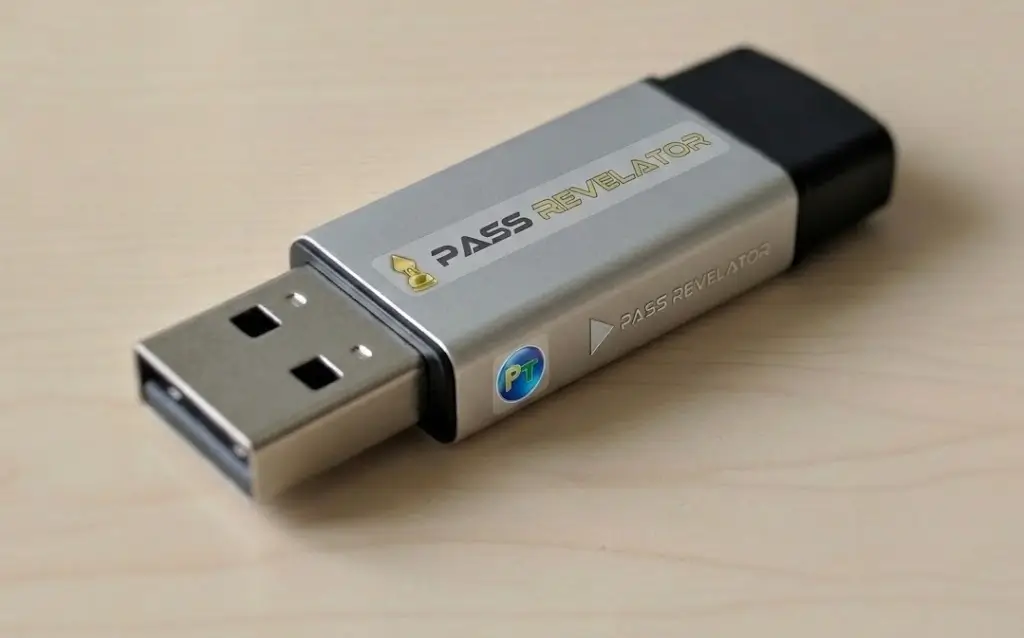
It's not magic, it's better: it's technical, but completely invisible. Pass Revelator Windows acts like a superhero: it launches outside of Windows, before the operating system even takes control. Thanks to a mini-system embedded on the USB key, it automatically locates the password "safe" on your hard drive and neutralizes the one of your choice. Result: after a simple reboot, your desktop appears, freely accessible. No commands to type, no risk to your data, and devastating efficiency.
This key works on all your devices (and much more)
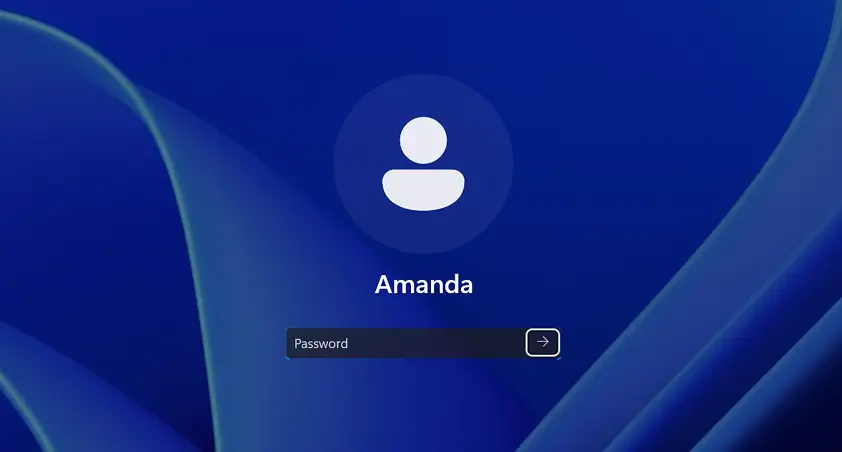
- Administrator or user account – no local account can resist it.
- Windows Vista, 7, 8, 8.1, 10, 11 – from 32-bit to 64-bit, it adapts to all your computers.
- All PCs (desktops and laptops) – whether your machine boots in BIOS or UEFI mode, the key is compatible.
Let's be transparent: Pass Revelator is not a universal key. It does not bypass BitLocker encryption and does not work on online Microsoft accounts (those with an email address). For these very specific cases, another procedure is necessary. But for 99% of lockouts, it's the fastest and most reliable solution.
5 good reasons to say goodbye to technical tutorials forever
- No more cryptic command lines: 2 clicks are enough, compared to 2 hours of stress and fruitless searches.
- Keep all your files and software: we only touch the password. Your photos, backups, and programs remain intact.
- No more driver hunting: after a reinstall, it's a lottery. With Pass Revelator, everything stays exactly as before.
- A tool you can give or share: a single USB key can unlock an unlimited number of computers. An investment for an entire family or a small team.
- Support is there if you need it: easy to use, but assistance is included, along with lifetime updates.
Instructions: regain access to Windows in three moves
- Download the solution: by clicking the "Download" button, then put it on a USB key.
- Boot your computer from the USB key – this is the only slightly "technical" step. To help you, find the boot key table below. Once booted, everything is automated.
- Validate – an ultra-simple interface asks you which account to unlock. Click, it's done. After a reboot, Windows will never ask for that password again.
Really, it's that simple. No command prompt, no script, no risk.
Boot Menu key: the only small effort required (and we give you the solution)
- Insert the bootable USB key into your PC. Shut down the system, wait a few seconds, then turn it back on.
- As soon as it starts, press the key that opens the "Boot Menu" several times in a row (see table below). Each manufacturer has its own little secret key, that's the only complexity of the operation.
- The menu appears: choose your USB key (it's often called "USB: Flash Disk" or the name of your model). Confirm and let the magic happen.
The interface varies by brand, but always look for "USB", "Removable Device" or the name of your key.
| Manufacturer | Boot Menu Key |
|---|---|
| Acer | Esc, F12, F9 |
| Asus | F8, Esc |
| Compaq | F9, Esc |
| Dell | F12 |
| HP | F9, Esc |
| Intel | F10 |
| Lenovo | F8, F10, F11, F12 |
| Samsung | F12, Esc |
| Sony | F10, F11 |
| Toshiba | F12 |
They trusted us...

Yair Wahal, Marketing Director, Zingali Acustics

Sithara Ieng, IT Technician, InforSAV

Lisette Verkuil Esq., Lawyer, Verkuil Advocatuur

Nathalie Nougaret, Real Estate Agent, Marianne Immobilier

Samuel Mathey Ph.D., Professor, FAFEDE

@vincenthofficiel, Influencer

Jean-Luc Abbal, Architect, JLA Architecte
Start NOW and unlock all Windows passwords
by clicking the button below.
The free method you find on the internet… and why it will waste your time
On many sites, they explain how to modify the command prompt via Utilman.exe. This is a trick that worked in the past, but it's becoming less and less reliable with Windows updates. Here are the steps (for informational purposes):
Steps of the manual method (at your own risk)
- Create a bootable USB key with a Windows ISO (like Hiren's Boot CD or a Windows installation).
- Boot from the key, open the command prompt (Shift + F10).
- Locate the system drive (often D: instead of C: in recovery mode).
- Copy
cmd.exein place ofutilman.exewith DOS commands like:
copy D:\Windows\System32\cmd.exe D:\Windows\System32\utilman.exe - Restart normally, click the "Ease of Access" icon to open an administrator command prompt.
- Use
net userto change the password or enable the administrator account.
Risks and drawbacks:
- No longer works on recent versions of Windows 10/11 if the session is locked or if the account is a Microsoft account.
- Risk of modifying the wrong drive and corrupting Windows.
- Requires an additional bootable USB key and advanced knowledge.
- About 20 to 30 minutes of manipulation (not counting failures).
- If you make a mistake, your PC may not boot at all.
This method is free, but it is intended for experienced technicians. For an average user, it's a source of stress and wasted time.
The simple alternative: Pass Revelator Windows
Our program does exactly the same thing… but automatically and in less than a minute.
- No command lines to type
- Compatible with Windows 10 & 11 even on local accounts
- No risk to your data
- Reusable indefinitely
Pass Revelator Windows is for you if...
- You have a memory lapse: it happens to the best of us, and it's the fastest way to get out of this tight spot.
- You share a family computer: to regain control when a password was changed without telling you (a classic with teenagers!).
- You just bought a used PC: to erase the old administrator account and start fresh.
- You are a professional troubleshooter: an indispensable tool for your toolkit, saving you precious time on every job.
 Ethical commitment: this tool is intended exclusively for machines you own or for which you have written permission from the owner. Any malicious use is your sole responsibility. We designed it to help, not to harm.
Frequently asked questions
Does it work on Windows 11?
Yes, perfectly. We regularly update the software to keep up with Microsoft's changes. Windows 11, including versions 22H2 and 23H2, no problem.
What about my personal data?
It doesn't move an inch. We don't read it, we don't touch it. Only the password is erased. All your photos, documents, and software remain intact.
Can I use it for my neighbor's PC?
Yes, the key is reusable indefinitely, on an unlimited number of computers, as long as they are local user accounts. It's the ideal tool for small favors among friends or family.
After using it, do I need to do anything else?
No, Windows will never ask for that password again. The account is freely accessible. If you wish, you can go into the settings to set a new one. But it's not mandatory.
Eric Peltier, Municipal Police, Châlette-sur-Loing