How to Recover a Hacked Instagram Account and Revoke Unknown Sessions
Discovering that you no longer have access to your Instagram profile is a critical situation, especially when an intruder has already replaced your recovery email address and associated phone number. In such scenarios, the classic reset link sent via SMS becomes completely ineffective. A breach typically manifests as unknown active sessions originating from unrecognized locations or phishing direct messages (DMs) sent from your profile to your contacts.
This article will also interest you: Recover a Permanently Deleted Instagram Account: The Complete Guide (2027)
This technical guide outlines the step-by-step recovery process to regain access without original contact details, revoke unauthorized connections, and lock down your profile.
📋 Table of Contents
- How to Diagnose the Severity of Your Account Lockout?
- How to Change Your Instagram Password Without Access to Email or Phone?
- What to Do About Unknown Active Sessions and Phishing DMs?
- What Technical Solutions Exist When Official Methods Fail?
- Comparative Table of Instagram Security Protocols
- Frequently Asked Questions: Instagram Security & Recovery
- Summary Checklist: Securing Your Instagram Profile
How to Diagnose the Severity of Your Account Lockout?
Before launching a recovery request, you must classify the exact state of your account. The diagnostic matrix below summarizes common scenarios and immediate actions:
| Error Message / Symptom | Real Cause | Immediate Action | Recovery Chances |
|---|---|---|---|
| Incorrect credentials + email modified | Session hijacking or successful DM phishing | Use emergency endpoint instagram.com/hacked | Medium (60% to 80%) |
| Account not found / Profile disabled | Temporary deactivation or TOS ban | Submit official appeal form | High within 48h |
| Unknown 2FA code prompt (Authenticator App) | Intruder activated two-factor authentication | Request Meta video selfie identity verification | High (85%) |
| Automatic phishing links sent via your DMs | Stolen session token (Cookie) on PC/Mobile | Force global sign-out across all devices | Very high (95%) |
Expert Tip: If you receive an email from Instagram stating that your email address was changed, do not delete it. Immediately click the link "If you didn't do this, secure your account" located at the bottom of the official message. This link contains a time-limited security token (24 hours) that bypasses unauthorized modifications.
How to Change Your Instagram Password Without Access to Email or Phone?
When an attacker has changed your original email and mobile number, standard reset procedures will fail. You must invoke the recovery sub-system within the Meta Account Center designed for emergency reinstatement.
Step 1: Access the Emergency Support Endpoint
- Open the Instagram app on your mobile device (iOS or Android).
- On the login screen beneath the credential fields, tap "Forgot password?" (iOS) or "Get help logging in" (Android).
- Instead of entering your outdated email, enter your exact username (e.g., @your_handle).
- At the code delivery screen, do not tap "Send Link". Select the "Can't reset your password?" option at the bottom.
Step 2: Trigger Video Selfie Identity Verification
In 80% of workshop cases where hackers turn on two-factor authentication, the video selfie option is the sole remaining key to unblock access.
- Instagram will ask if you have photos of yourself on the account. Select "Yes, I have a photo of myself in my account".
- Provide a secure, accessible email address (that you fully control) to receive case updates.
- The app will initialize the biometric interface: point your front camera at your face and follow on-screen prompts (turn head left, right, up).
- Submit the recording. Meta's algorithms compare facial signatures against your archived posts and stories. A response is typically sent via email within 24 to 48 hours.
What to Do About Unknown Active Sessions and Phishing DMs?
If you still have partial access to your user interface but notice suspicious behavior (phishing messages sent to friends, unauthorized follows), a third party possesses your session token.
How to Revoke Access to Unauthorized Devices
During our security tests across mobile OS setups, simply changing your password does not always terminate active web tokens on third-party browsers. You must trigger a manual global sign-out:
- Go to your profile and open the side menu (three horizontal bars).
- Navigate to Settings and privacy > Accounts Center.
- Select Password and security.
- Tap Where you're logged in and select your Instagram account.
- Review the full device list and geographical locations. Tap "Select devices to log out", check all unrecognized hardware, and confirm by tapping Log Out.
Spotting and Neutralizing Direct Message (DM) Phishing
Pitfall to avoid: attackers frequently leverage hijacked accounts to infect the victim's social circle. These malicious DMs usually follow predictable templates:
- "Hey, I need your help getting back into my account, can you send me the SMS code you just received?" (NEVER share this code; it is your own account recovery token).
- "Look at this shocking video you are in..." (Link pointing to a fake Instagram login page designed to steal credentials).
- "Copyright infringement detected on your account. Click here to prevent suspension within 24 hours." (Fake Meta support message).
Note that official Instagram support will never contact you via direct message. Official system emails from Meta appear exclusively in the dedicated tab: Settings > Security > Emails from Instagram.
What Technical Solutions Exist When Official Methods Fail?
When automated Meta forms fail or video selfie verification isn't possible (e.g., business accounts without photos of your face), dedicated software tools offer technical alternatives.
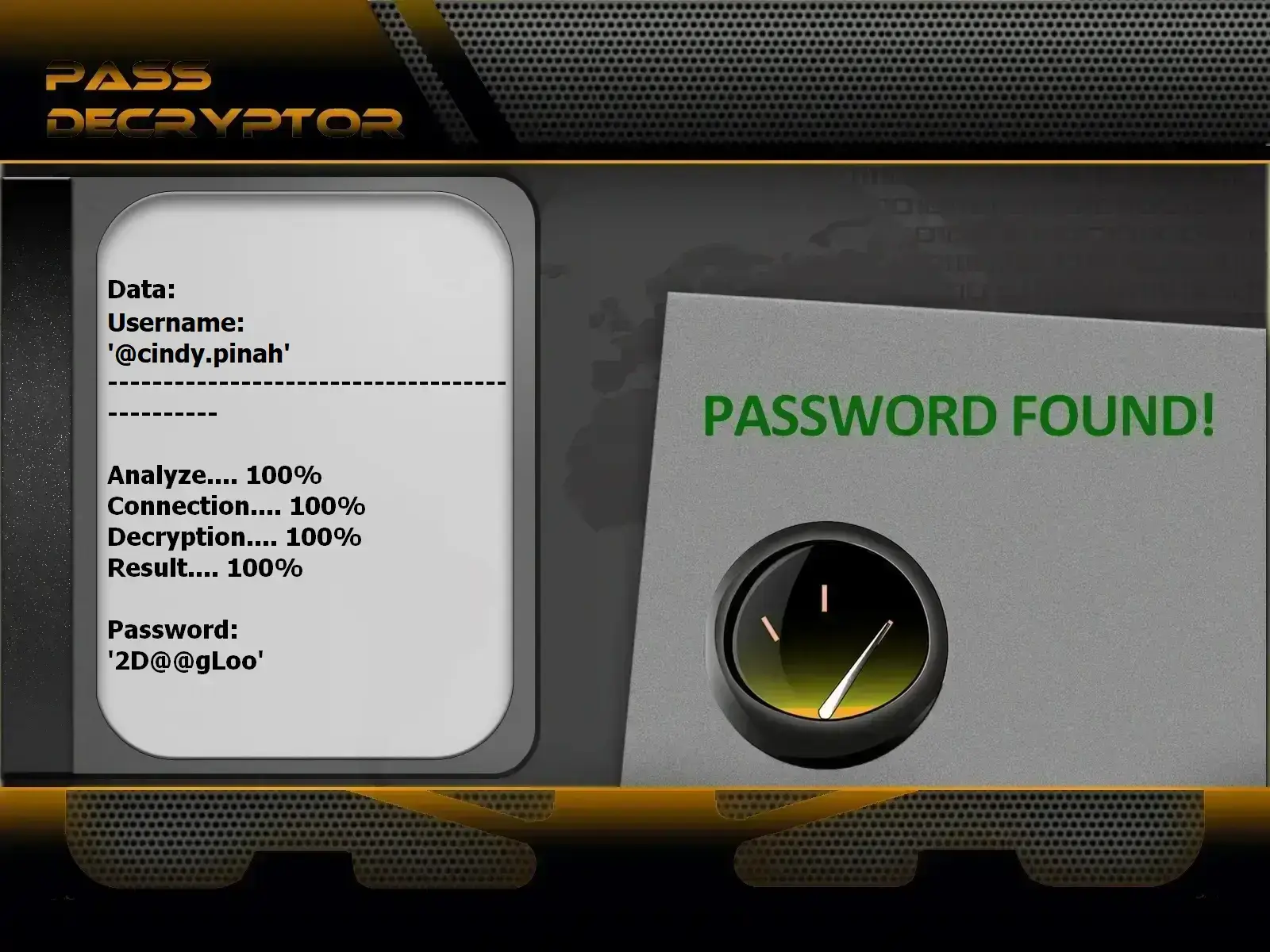
Pass Decryptor: Technical Recovery Solution for Instagram
Certified under ISO 9001:2015 and ISO/IEC 27001:2022 standards, PASS DECRYPTOR is an AI application engineered to quickly decrypt an Instagram account password so you can regain access immediately. Designed for ease of use with no technical expertise required, it operates from a simple @username, email address, or linked phone number, whether the profile is public or private. Its advanced real-time AI algorithm processes data to display the cleartext password directly on your screen within minutes, without triggering any Instagram security alert notifications.
You can download it from the official website: https://www.passwordrevelator.net/en/passdecryptor
Comparative Table of Instagram Security Protocols
To prevent recurring breaches and establish optimal defenses, review this breakdown of protection mechanisms:
| Security Method | Protection Level | Phishing Resistance | Recovery Ease |
|---|---|---|---|
| Simple Password (No 2FA) | Very Low | None | Relies solely on email/SMS access |
| 2FA via SMS | Medium | Low (Vulnerable to SIM Swapping) | Easy if phone number is retained |
| 2FA via Auth App (Google Auth, 1Password) | High | Strong | Requires 8-digit backup codes |
| Physical Hardware Security Keys (FIDO2) | Maximal | Total | Must maintain physical possession of key |
Related video:
Frequently Asked Questions: Instagram Security & Recovery
How long does a temporary Instagram lock last?
A temporary security lock (triggered by excessive login attempts or third-party tools) typically lasts 24 to 48 hours. Avoid submitting new login requests during this window, as it resets the security cooldown on your IP address.
What if the hacker enabled Two-Factor Authentication (2FA) on my account?
If the intruder activated their own authenticator app, tap "Try another way" on the 6-digit code screen, then select "Get support". This routes you to the video selfie verification flow to override the fraudulent 2FA setup.
Is it possible to recover an Instagram account deleted by a hacker?
If a hacker initiates account deletion, Meta enforces a 30-day grace period. Simply log in with your credentials during this timeframe and select "Keep Account". After 30 days, data purging becomes permanent on Meta's servers.
How can I prevent re-infection after restoring my account?
Field advice from our technicians: once control is restored, immediately revoke all third-party app access via Settings > Website permissions > Apps and websites. Residual API access keys are frequently exploited by hackers to re-enter cleaned profiles.
Summary Checklist: Securing Your Instagram Profile
- Download Backup Codes: Go to Accounts Center > Password and security > Two-factor authentication > Additional methods > Backup codes. Store these 8 single-use codes offline.
- Disable SMS-based 2FA: Switch to a dedicated TOTP authenticator app to protect your account against SIM swap exploits.
- Check Official Emails: Monitor Settings > Security > Emails from Instagram to verify whether security alerts are genuine.
- Audit Active Sessions Monthly: Periodically review connected devices and purge unknown hardware tokens.