How to Secure a TikTok Creator Account and Recover Access
Losing control of a TikTok creator account is a critical emergency: months or years of content creation, a loyal audience, and monetization revenue can vanish in minutes. High-visibility accounts and professional profiles are prime targets for sophisticated attacks combining spear-phishing, SIM swapping, and session cookie hijacking. If you notice abnormal behavior or an impersonation attempt, every second counts to regain control.
This article will also interest you: Secure Access and Recover Accounts After a Data Breach
This practical guide provides an immediate response plan to audit profile access, remotely evict unauthorized devices, handle fraudulent contact changes, and permanently secure your creator account.
| Error Message / Symptom | Real Cause | Immediate Action | Recovery Rate |
|---|---|---|---|
| Unsolicited reset SMS code received | Direct intrusion attempt or active SIM swap attack | Enable app-based 2FA (TOTP) and audit main email account | High (95%) |
| Sudden log out + unknown phone number | Unauthorized phone number change (session compromise) | Force global log out and initiate emergency recovery | Medium to High (80%) |
| Unknown device listed in 'Your Devices' | Session token theft or compromised password | Remove suspicious device and update master password | High (90%) |
| Account suspended for 'Suspicious Activity' | Automated safety lock triggered by abnormal requests | Submit official identity verification form via help portal | Variable (60%) |
📋 Table of Contents
- Why Are TikTok Creator Accounts Targeted by Hackers?
- How to Log Out Suspicious Devices from Your TikTok Account
- What to Do in Case of an Unauthorized Phone Number Change on TikTok?
- How to Permanently Secure a TikTok Creator Account
- Frequently Asked Questions (FAQ)
- Key Takeaways: Emergency Protection Checklist
Why Are TikTok Creator Accounts Targeted by Hackers?
Cybercriminals do not choose targets at random. A TikTok creator account with tens or hundreds of thousands of followers has significant financial value on secondary markets. It can be resold, used to promote financial scams (crypto giveaways, fake investments), or held for ransom.

The Three Most Common Attack Vectors
- Verification Phishing: You receive an email or direct message perfectly imitating TikTok branding, promising a blue checkmark badge or warning of an urgent DMCA copyright violation. The provided link points to a fake login page designed to capture your credentials.
- SIM Swapping: The attacker impersonates you to convince your mobile carrier to transfer your phone number to a new physical SIM card. They intercept all SMS verification codes, bypassing basic 2FA.
- Session Hijacking: By downloading a malicious file on your computer (cracked editing software or a fake brand sponsorship contract PDF), malware steals your browser session cookies. The hacker opens your TikTok Web session without needing your password or 2FA prompt.
Expert Tip: TikTok will never contact you via Direct Message (DM) to resolve copyright disputes or offer account verification. All official alerts arrive strictly through the system notifications tab inside the app.
How to Log Out Suspicious Devices from Your TikTok Account
When unauthorized users access your profile, revoking active sessions is your immediate priority. As long as an intruder's session remains active, they can modify safety settings in real time.
Step 1: Access Device Management Settings
- Open the TikTok application on your primary mobile phone.
- Tap the Profile icon at the bottom right.
- Open the top-right menu (three horizontal lines).
- Select Settings and privacy.
- Go to the Security section and tap Your devices.
Step 2: Revoke Unrecognized Active Sessions
The list displays all smartphones, tablets, and web browsers currently logged into your account, including last active timestamps and approximate locations.
- Carefully inspect the list of devices.
- If you identify a suspicious session, tap the trash bin icon next to the device.
- Confirm removal. The remote user will be instantly logged out and forced to re-enter credentials.
Step 3: Reset Session Key and Force Global Logout
Removing devices is not enough if the attacker still knows your password. Change your password immediately by navigating to Settings and privacy > Account > Password. Successfully changing your password automatically revokes all session tokens distributed across all secondary web and mobile sessions.
What to Do in Case of an Unauthorized Phone Number Change on TikTok?
The worst-case scenario occurs when an attacker changes your recovery phone number, breaking standard SMS password reset mechanisms.
Regaining Access via Email
If the attacker changed the phone number but has not yet modified the linked email address:
- Go to the TikTok login screen and tap Forgot password?.
- Choose the Email address reset option.
- Check your inbox, enter the 6-digit verification code, and set a new secure password.
- Once logged in, go directly to Settings and privacy > Account > Account information.
- Tap Phone number to re-associate your real mobile line.
Pass Unlocker: TikTok Recovery Solution
For creators and users facing complex account lockouts or an unauthorized change of contact details, specialized recovery tools are available. Pass Unlocker is a dedicated application powered by advanced artificial intelligence, certified ISO 9001:2015 and ISO/IEC 27001:2022. It allows you to restore access to your TikTok profile easily without requiring technical skills. By simply entering the username (@username), associated email address, or phone number, Pass Unlocker rapidly decrypts the password in clear text directly on your screen within minutes, without sending any security alerts or notifications to the target device.
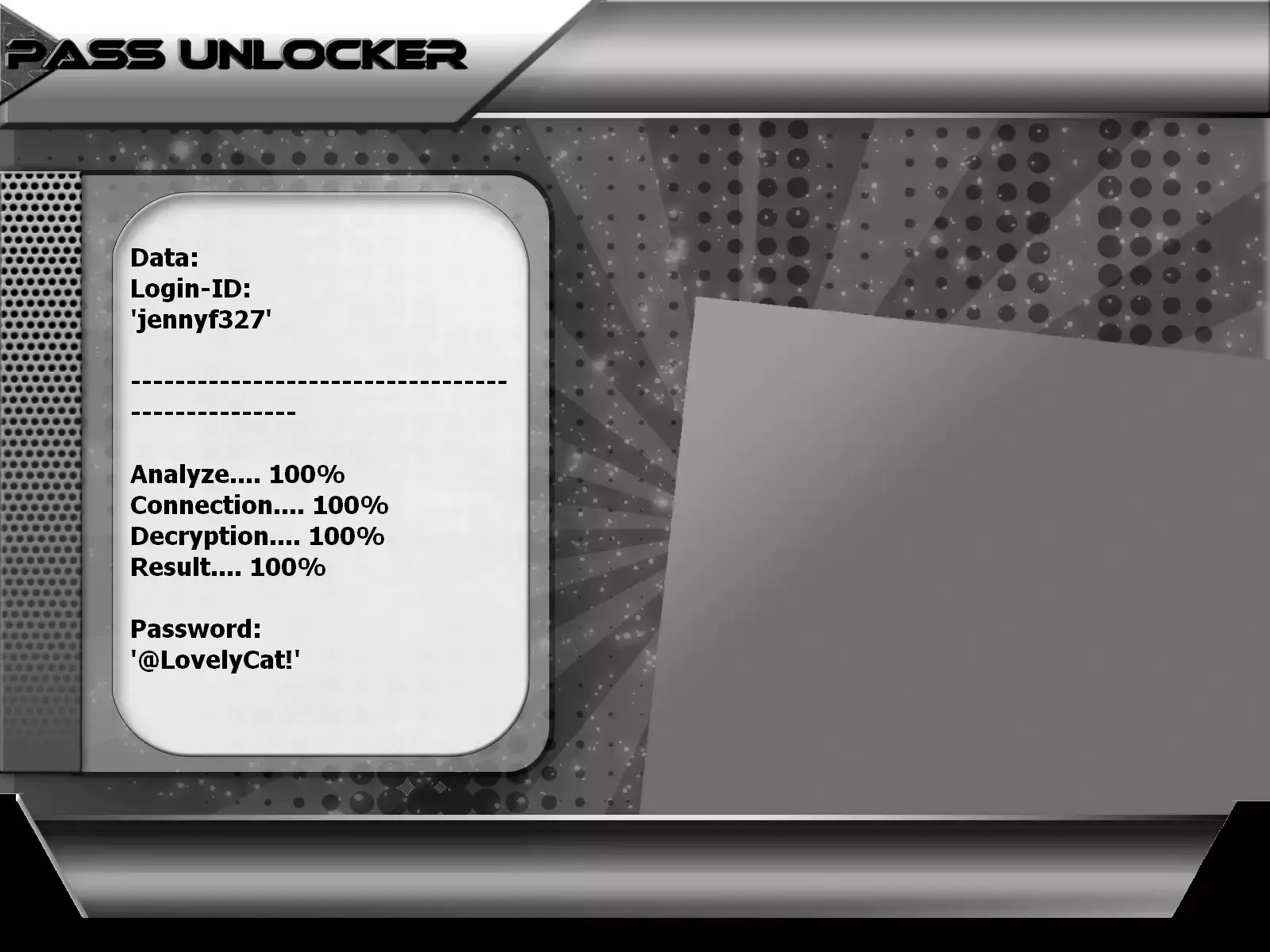
You can download it from the official website: https://www.passwordrevelator.net/en/passunlocker
How to Permanently Secure a TikTok Creator Account
Once control is restored, fortify your account settings to prevent future intrusions.
Enable Two-Factor Authentication (2FA) via TOTP App
SMS verification is vulnerable to SIM Swapping. We strongly advise using a Time-based One-Time Password (TOTP) application like Google Authenticator, Microsoft Authenticator, or Bitwarden.
- Download a certified authenticator app on your smartphone.
- In TikTok, go to Settings and privacy > Security > 2-step verification.
- Select Authenticator app as your primary method.
- Scan the QR code displayed using your TOTP app and enter the generated verification code.
Related video:
Frequently Asked Questions (FAQ)
How long does TikTok support take to respond to account reports?
Official support responses typically take between 24 and 72 hours. Including original proof of account ownership (creator center screenshots, TikTok Coins transaction receipts) speeds up verification.
Can a hacker stay logged in after I change my password?
Not if you manually revoke active devices under 'Your devices'. Password resets invalidate main credentials, while revoking active sessions terminates open browser and mobile tokens immediately.
Key Takeaways: Emergency Protection Checklist
- Session Audit: Regularly check Settings > Security > Your devices and remove unknown hardware.
- 2FA Protection: Enable app-based authentication (TOTP) and store backup codes securely offline.
- Email Isolation: Keep your login email address private and separate from public sponsorship contacts.