5 recommendations to secure your Outlook account effectively
Your electronic mail client as well as your mail account are very important.
One way or another the mail account is used for many things in everyday life. Whether it is to register on a social network, to apply for a job or to open an online bank account, obligatorily at one stage of all the processes that you will have to go through, you will be asked to provide an email address. Which makes your mail client an important space to secure against any type of intrusion.
This article will also interest you: Outlook: 3 techniques for a successful hacking
Outlook is by far the most popular mail client in the professional field. If it does not compete with Google mail in terms of popularity, it remains that an enormous number of people use it including you.
So, here are 5 recommendations that we are going to give you which will allow you to improve as best as possible the security of your Outlook account:
1 – Activate two-factor authentication
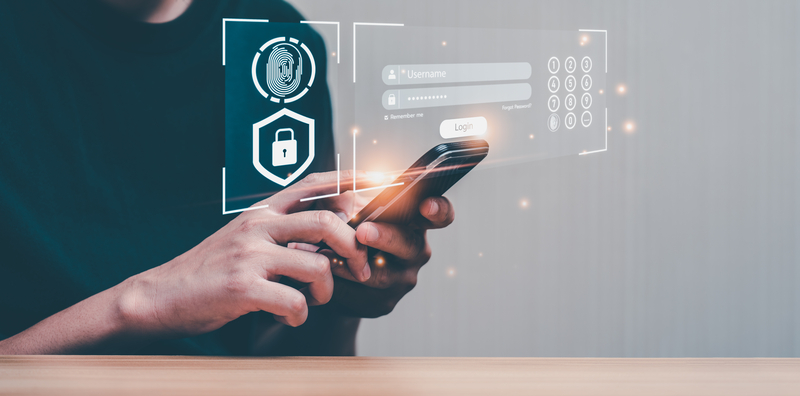
Two-factor authentication is now a priority for all security measures. It has been proven several times that the password is no longer enough to ensure a certain security. Everyone knows that the password presents a serious problem in terms of optimal protection. If it is not the data leaks that expose your passwords, it is certainly the malicious software that is more and more sophisticated that allows hackers to bypass this protection measure.
Thanks to two-factor authentication, your computer security no longer rests on the password only. When you try to connect to your Outlook account, just after entering your password, a second step of verification of your identity will be asked. This second verification can be done in different ways:
– The first can consist of the sending of a single-use code by SMS on your number associated with the Outlook account ;
– The second method can be the use of an authentication application that automatically generates single-use codes namely Microsoft Authenticator.
This double protection can be activated if you go directly into the security settings of Outlook.
Do not hesitate to activate it and do it right now.
2 – Do not click on the links and the attachments of unknown recipients
Here is a recommendation that is important. When you receive an email from an unknown correspondent or from any company with which you maintain no particular relationship. Do not click on the links that are in the messages concerned. It is the same for the attachments.
The reason for this prohibition resides in the fact that this practice is the most used by computer hackers to spread malicious programs or to incite you to carry out tasks that could harm you in the long term or in the short term. This practice is simply called phishing or email scams.
When you are simply curious to know what is done with the links concerned, it is preferable to go directly on the browser and to access immediately the website concerned.
3 – Do your updates
No matter the computer device that you use. No matter the software that you use, you must know that security flaws are something impossible to get rid of in a definitive way. Every day, specialists in computer security, hackers discover new vulnerabilities. Some of these vulnerabilities are linked to the design of the device or to the construction of the tool in question. To fill them and avoid any exploitation, publishers of computer terminals and of software send security patches in the form of updates. These updates are therefore made to protect you in a certain way. Therefore, do not neglect them. Execute them immediately as soon as you see a notification.
4 – Avoid connecting to your account using public Wi-Fi networks or public access terminals
When you use a computer resource that can be accessed by anyone, tell yourself that you are putting yourself in danger. Because the possibilities for computer hackers to implant surveillance software or any other spy program through these resources are multiple. They can use them to collect your connection data and hijack your Outlook account without you even realizing it.
5 – Use PASS REVELATOR
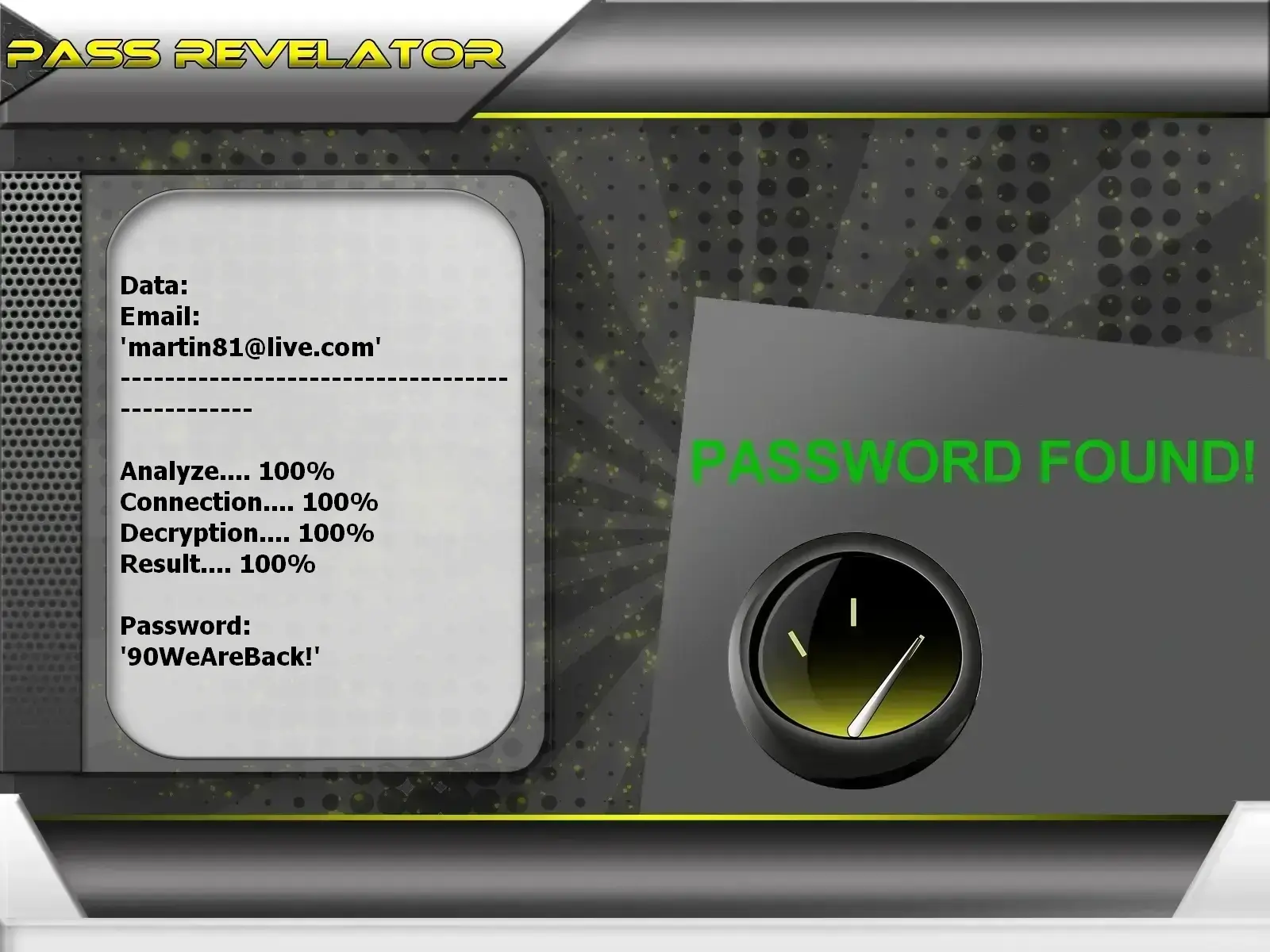
It can happen that despite all the security measures that you deploy, a hacker still manages to hijack your Outlook account. Indeed you should know that 100% protection does not exist. As the saying goes in the field of computing, there is always a flaw in the system. Therefore we advise you to use our software PASS REVELATOR downloadable from its official website https://www.passwordrevelator.net/en/passrevelator
It was designed to allow you to recover the password of any Outlook account. With our software you will no longer fear being hacked no matter the context because you will be able to recover it in little time. You have 30 days of trial at the end of which you are either satisfied or reimbursed.
Access now an unlimited number of passwords!
