
How to protect your GMail account in 2022?
Protecting online accounts is a necessity these days.
First of all there is the question of mass computer hacking. A small mistake is enough for a hacker to take your whole computer system hostage. But before reaching that goal, he will first try to compromise your online accounts. Accounts that are mostly real sources of information.
This article will also interest you: Data protection: 3 authentication methods for maximum security
How to protect your GMail account from computer hacking?
To be honest, the protection of your GMail account depends in very large majority on you. With a few good practices and some discipline this is feasible for the most part. At the end we give a tip that could well help you in certain difficulties.
1 – Lock access to your smartphone or computer devices
This is the first recommendation and besides one of the most important. Why this recommendation in first position? It is simply that protecting your account, no matter the technique, is useless the moment your computer device is physically accessible to anyone. A good manipulator of computer devices can install a spyware or even violate the integrity of your internal security. Therefore, it is essential to always lock access to your computer device.
Fortunately, almost all computer tools in circulation offer locking measures. This can be with a password, or a biometric security measure like the fingerprint or facial recognition.
2 – Protect your computer device on the software side
After the physical protection of your device, comes in second place the software protection. You have to know that hackers use the vulnerabilities offered on the software side to try to take the integrity of our online accounts. To make things much more difficult for them or even close the road entirely, you must execute these two tasks:
– Install an antivirus software to protect yourself against the malicious programs that circulate on the web or on removable devices. Luckily, there are several offers in this field. You can even get an antivirus software for free and that will do the job well;
– Do the security updates proposed by the publishers of software that you use or the manufacturer of your computer device. It is very important not to neglect the updates because they help essentially to fill the vulnerabilities that we talked about above. The moment you receive a notification that concerns particularly an update please execute it immediately.
3 – Activate two-factor authentication
This is a service that Google offers on its GMail. It is possible that old users have not activated it yet. But you must do it as soon as possible if you are in this case. Two-factor authentication offers you a second layer of security in case your password is compromised. And to tell the truth, the reasons of password compromise are legion, when it comes to Google mail. Particularly when we talk about the data leaks that are noticed more and more on the Google platform.
4 – Do not click on any link
Phishing still known under the appellation of phishing is a practice that continues to do damage, even if awareness constantly turns around this problem. Whether we like it or not, the problem remains and it risks to continue. When you receive a mail or a text message that contains links, particularly if you have not engaged any prior action that could justify the sending of such a message, you must not click on any pretext on the links that appear. If by adventure you are curious and you want to know what hides behind this type of link go directly on your browser and try to type the necessary addresses.
In conclusion, the protection of your GMail account resides essentially in your discipline and your way of approaching personal security.
However no matter the security measures that you will deploy, you still have to tell yourself that there is always a flaw that hackers can exploit.
Therefore, you need a tool that allows you to recover your account when these latter manage to take you by surprise. In this context, we propose you PASS BREAKER.
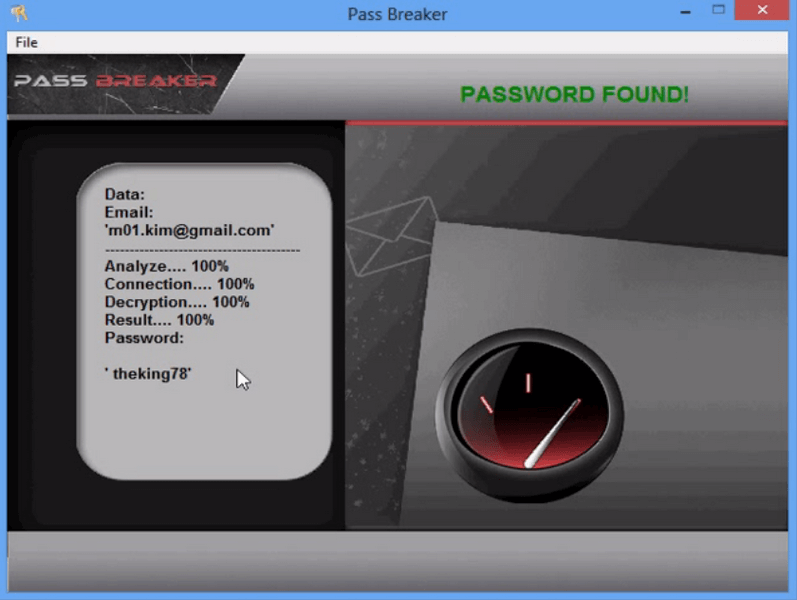
It is particularly useful when you want to recover a GMail account that has been stolen from you. Thanks to this application, you will no longer be a victim of a GMail account hijacking. Do not hesitate to go install it immediately by downloading it from its official website: https://www.passwordrevelator.net/en/passbreaker
Now access an unlimited number of passwords!
