How to secure your WhatsApp account?
WhatsApp is today the most used instant messaging service in the world.
If it has been at the heart of several controversies, it remains nonetheless the privileged communication tool of nearly 1 billion people across the world. Which can push individuals of bad intentions to want to go after your WhatsApp account.
This article will also interest you: Hack a WhatsApp account in 3 methods
This can be either to hijack it, or to spy on you. In this context, here are some measures to secure your WhatsApp account. Accessing someone else’s account without authorization is illegal; this content is educational and to help protect one’s own account or a loved one’s account.
1 – Secure your smartphone

Your smartphone must be as secured as possible because, no matter the protection measures that you will use, they will serve nothing if your phone is vulnerable. Therefore, make sure to lock the screen of your smartphone when you are not using it. Install an antivirus software to protect yourself from malicious programs or corrupted phishing links. Do not leave it out of reach when you know that the screen is still unlocked.
2 – Pay attention to phishing messages

WhatsApp is commonly used to spread phishing links. Therefore, you should be wary when you are sent messages followed by a link, when this has no interest for you. Pay attention to promotional messages. Never click on a link even if it comes from a close person. If you are curious, try to verify the information by directly typing the address of the website in your browser. But never click on a link received by WhatsApp.
3 – Protect the access of your WhatsApp account by password or biometrics

WhatsApp can now be protected to prevent anyone from being able to access it. You have the opportunity to protect it by biometric security. This can turn out useful when your passwords are compromised.
4 – Carry out the updates

It is one of the pieces of advice most commonly given to users of digital services. You must always make sure that your devices are up to date. It is the ABC of computer security. Updates protect you from discovered security flaws and allow you to be able to use new features. So you must make sure you have the last version of the application or of your operating system
5 – Activate two-factor authentication
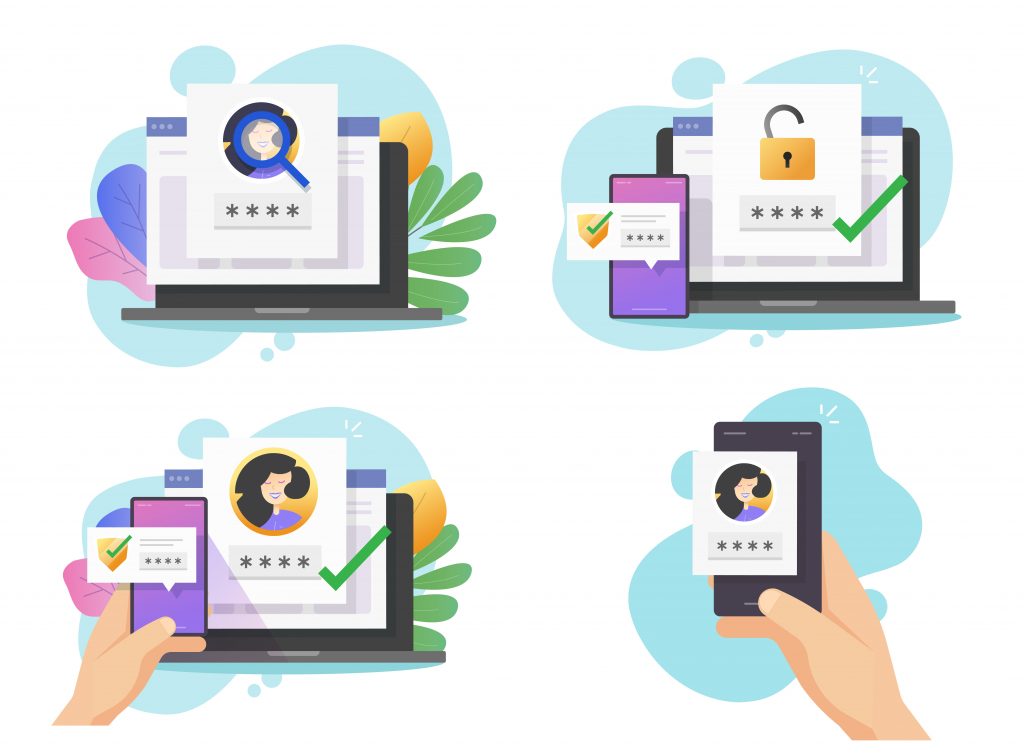
This measure is today imposed in a certain way because its use is essential. It prevents your WhatsApp account from being usurped. It provides a new layer of security so that your identity is always verified. However, avoid providing codes that you receive by message to people who ask you for them because it can be an attempt of usurpation of your account. In other words, if a person asks you for a code that you have just received by message, simply do not give them this code. Erase this code immediately.
6 – Manage the confidentiality of your data
Contacting someone on WhatsApp is easy. You just need to have their phone number. It is besides for this reason that there exists in the settings, a set of configuration that allows you to manage the confidentiality of your account. You have the possibility to determine who can see your WhatsApp account, who can see your profile photos and your statuses. In short, you have the possibility to restrict as much as possible the visibility of your account as well as of everything you do through WhatsApp. These precautions are necessary today with the explosion of online scams and the attempt of computer hacking by way of phishing.
Now access an unlimited number of passwords!
