
How to change your GMail password?
Want to change your Google password because of a security issue, a forgotten login, or to improve the protection of your account?
Improve the security of your Gmail, AdSense, YouTube or Google Drive account by easily changing your password. Here are the steps to modify your Google password in a few seconds.
Change your Google password if you forget
By using different passwords for all your accounts, you have forgotten your Google account. Do not worry, because even if you cannot find it, you can simply change your Google password by creating a new one, never used before. Just follow these few steps:
– Log in to www.gmail.com and click on the blue link “Need help?”
– A new page is displayed. In the menu, select the option I do not know my password.
– Enter your full email address and click on the blue Send button.
– Google then asks you for the last password you remember. If you have forgotten your last passwords, click I do not know.
– A new window opens, in which you can indicate that you still have access to your backup email or not. Click Continue if that is the case, or confirm your identity if you no longer have access to that mailbox.
– Answer the security question that you entered when creating your account.
– Google then sends you a message to the specified email address.
– Open the email in question, then click on the link to reset the password within 24 hours of receiving it.
You may also like: How to change your Yahoo password?
Change the password Google to keep you safe
Are you used to changing your password regularly for more security? Have you noticed unusual activity on your account? Change your Google password directly from the interface of your account:
– Log in to your Google Accounts account.
– At the top right, click on your profile photo or the blue character icon and press the Account button.
– Go to the Security section and click on Change your password.
– Type your current password or answer the security question that you received when creating your account.
– Enter your new password twice and click Save.
– For more security, we advise you to opt for a complex password with uppercase and lowercase letters, special characters, letters and numbers.
Hack a GMail password
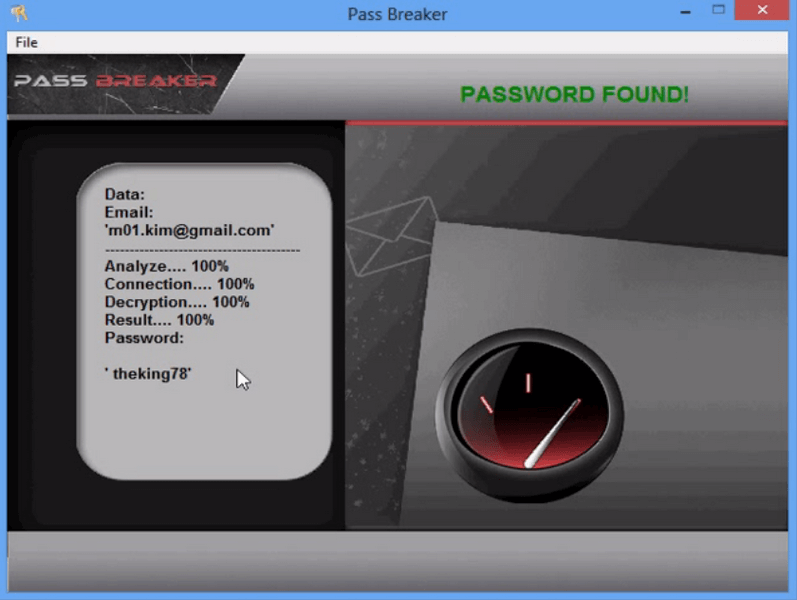
PASS BREAKER is the software made to hack any GMail password.
Made by hackers, this application is the only one able to hack the GMail account.
How is this possible?
This software decrypt hash and encrypted Google password. That means this powerful tool can hack a GMail password easily, even if the password is complicate.
You can get instant access and start decrypting the GMail password right now!
Accessing someone else’s account without authorization is illegal. This content is educational and meant to help you recover your own account or that of a loved one.